
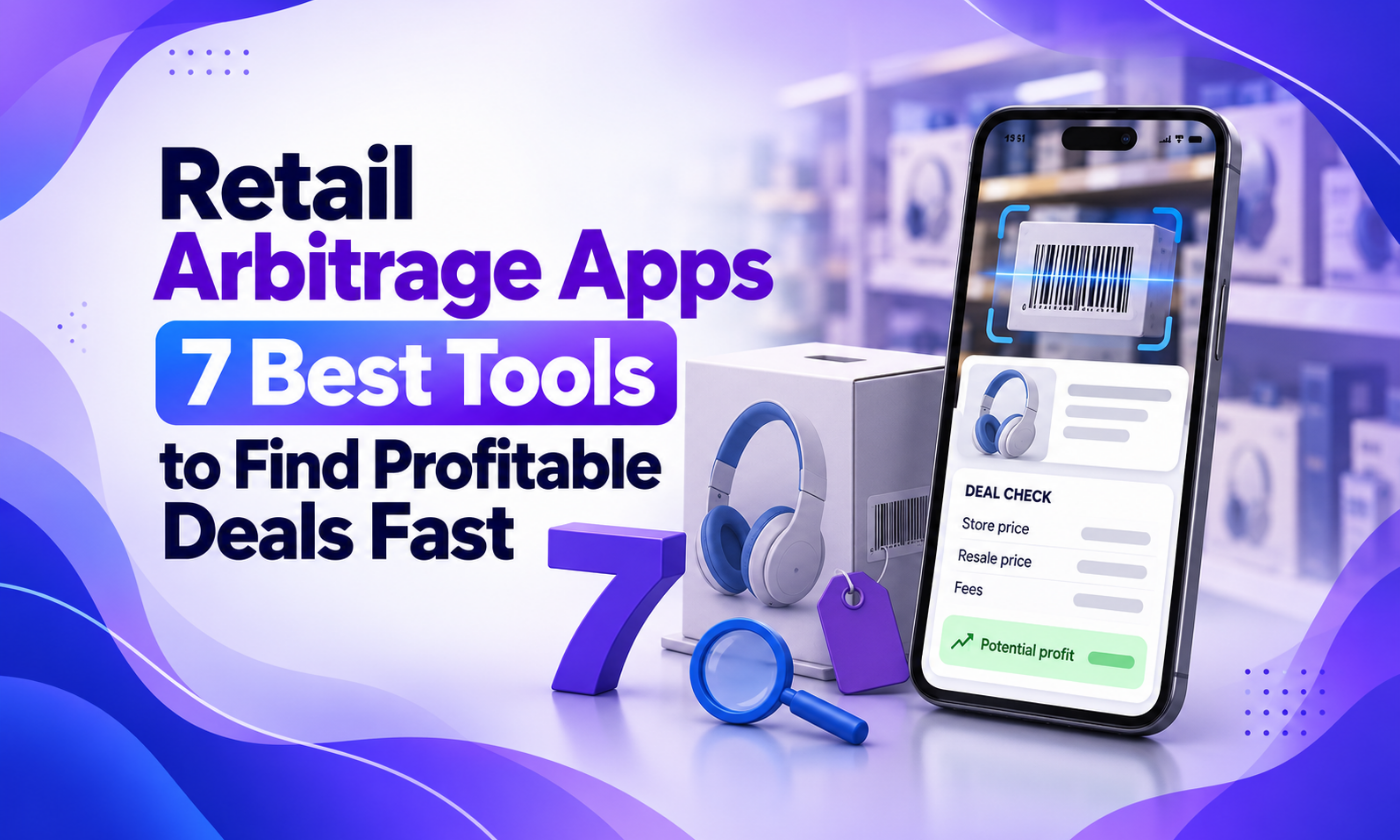
Retail Arbitrage Apps: 7 Best Tools to Find Profitable Deals Fast
The best retail arbitrage apps for scanning products, checking eBay and Amazon prices, tracking profit and listing faster. Compare features and who each suits.
 support@a2edropshipping.com
5 min read
On this page
- Table of Contents
- What Retail Arbitrage Apps Do
- 1. eBay App
- 2. Amazon Seller App
- 3. Keepa
- 4. Terapeak (via Seller Hub)
- 5. Paid Scouting Apps
- 6. Profit and Inventory Trackers
- 7. AutoDS (for Online Arbitrage and Listing)
- Retail Arbitrage Apps Compared
- A Retail Arbitrage Workflow With Apps
- Mistakes When Using Retail Arbitrage Apps
- Protecting Your Accounts
- Building a Sourcing Rulebook
- Moving From In-Store to Online Sourcing
- Common Questions When Starting Out
- Safety and Store Etiquette
- Frequently Asked Questions
- What is the best free retail arbitrage app?
- Do I need paid retail arbitrage apps?
- Can I do retail arbitrage on eBay only?
- How is retail arbitrage different from dropshipping?
- Final Thoughts
Retail arbitrage apps turn your phone into a profit calculator. Scan a barcode in a store and within seconds you know what the item sells for on eBay or Amazon, how fast it sells and whether the margin is worth it. Without them, retail arbitrage is guesswork; with them, it becomes a repeatable process.
This guide covers seven of the best retail arbitrage apps, what each one does and how to combine them with an eBay selling workflow.
Table of Contents
What Retail Arbitrage Apps Do
| Function | Why it matters |
|---|---|
| Barcode scanning | Instant product identification |
| Price lookup | See current and sold prices |
| Sales rank or velocity | Know how fast it sells |
| Fee calculation | True profit after marketplace fees |
| Restriction checks | Avoid gated brands or categories |
| Listing tools | List faster after buying |
1. eBay App
The official eBay app lets you scan barcodes or search, then check sold listings to see real selling prices. It is free and essential for eBay resellers.
Best for: checking eBay sold prices on the spot.
2. Amazon Seller App
Amazon’s official seller app scans products and shows pricing, fees and whether you are eligible to sell an item on Amazon.
Best for: sellers who also sell on Amazon.
3. Keepa
Keepa’s app and browser extension show Amazon price and sales rank history, helping you avoid buying products whose price just dropped.
Best for: checking price stability.
4. Terapeak (via Seller Hub)
While not a scanning app, Terapeak gives deep eBay sales data to confirm demand after you find a promising item. See how to use Terapeak.
Best for: confirming eBay demand.
5. Paid Scouting Apps
Several paid scouting apps offer faster scanning, offline databases and alerts for profitable items. Compare current features and pricing before subscribing.
Best for: high-volume sourcing trips.
6. Profit and Inventory Trackers
Inventory apps track what you bought, what it cost and what it sold for, so you know your real return.
Best for: sellers with growing inventory.
7. AutoDS (for Online Arbitrage and Listing)
For sellers moving from in-store sourcing to online arbitrage or dropshipping, AutoDS imports products from online suppliers, monitors price and stock and automates orders.
Best for: scaling beyond physical stores.
Retail Arbitrage Apps Compared
| App | Scanning | eBay data | Amazon data | Cost |
|---|---|---|---|---|
| eBay app | Yes | Yes | No | Free |
| Amazon Seller app | Yes | No | Yes | Free with account |
| Keepa | Partial | No | Yes | Free and paid |
| Terapeak | No | Yes | No | Free in Seller Hub |
| Paid scouting apps | Yes | Varies | Yes | Paid |
| AutoDS | No | Listing | Supplier | Paid |
A Retail Arbitrage Workflow With Apps
- Visit clearance aisles and scan items with the eBay app.
- Check sold prices and how many sold recently.
- Calculate profit after fees and shipping.
- Check brand risk against the eBay VeRO list.
- Buy only items with strong margin and steady sales.
- List quickly on eBay with optimised titles; see eBay title optimization.
- Ship fast and upload genuine tracking. Tools like GetTNShip help manage carrier tracking and protect metrics.
Mistakes When Using Retail Arbitrage Apps
- Trusting active prices instead of sold prices.
- Ignoring fees and shipping.
- Buying slow-moving items with high profit on paper.
- Forgetting returns and damaged items.
- Buying branded items that cannot be resold freely.
Protecting Your Accounts
As you grow, keep your eBay and supplier accounts healthy. If you manage a US account from abroad, log in from a consistent location using a Hyonix US VPS. Learn about common warnings in our eBay account restrictions guide.
Building a Sourcing Rulebook
Write your buying rules down and follow them on every trip:
- Minimum profit per item after all fees.
- Minimum return on cost, for example 30%.
- Minimum sales speed, for example three sold in the last month.
- No restricted brands or hazardous items.
- Maximum quantity per item on a first purchase.
Apps provide the data; your rulebook turns that data into consistent decisions.
Moving From In-Store to Online Sourcing
After a few months, many resellers add online arbitrage: buying discounted items from online stores. It saves travel time and lets you source at any hour. Combine the same profit rules with price history tools so you avoid items whose price just dropped temporarily.
Common Questions When Starting Out
New resellers often wonder how much to spend on the first trip. Start with a small budget, for example $100 to $200, and treat it as a learning investment. Focus on learning to read sold data and estimate fees accurately. Once you see consistent profit, increase your budget gradually.
Safety and Store Etiquette
Be polite to store staff, avoid blocking aisles while scanning and respect purchase limits. Many stores restock clearance on specific days; asking staff politely can help you plan visits.
Frequently Asked Questions
What is the best free retail arbitrage app?
The eBay app for eBay sold prices and the Amazon Seller app for Amazon data.
Do I need paid retail arbitrage apps?
Not at the start. Paid apps become worth it when you scan hundreds of items per trip.
Can I do retail arbitrage on eBay only?
Yes. Many resellers source locally and sell only on eBay.
How is retail arbitrage different from dropshipping?
Retail arbitrage involves buying and holding stock. Dropshipping means buying only after a sale. Read our retail arbitrage guide.
Final Thoughts
Retail arbitrage apps make sourcing faster and smarter: scan, check sold prices, calculate profit and buy with confidence. When you want to scale beyond store shelves, online sourcing and automation take over. Want help building a scalable eBay store? A2E Dropshipping can help.

Part of the A2E Dropshipping team, helping eBay sellers research, list and grow since 2018.