
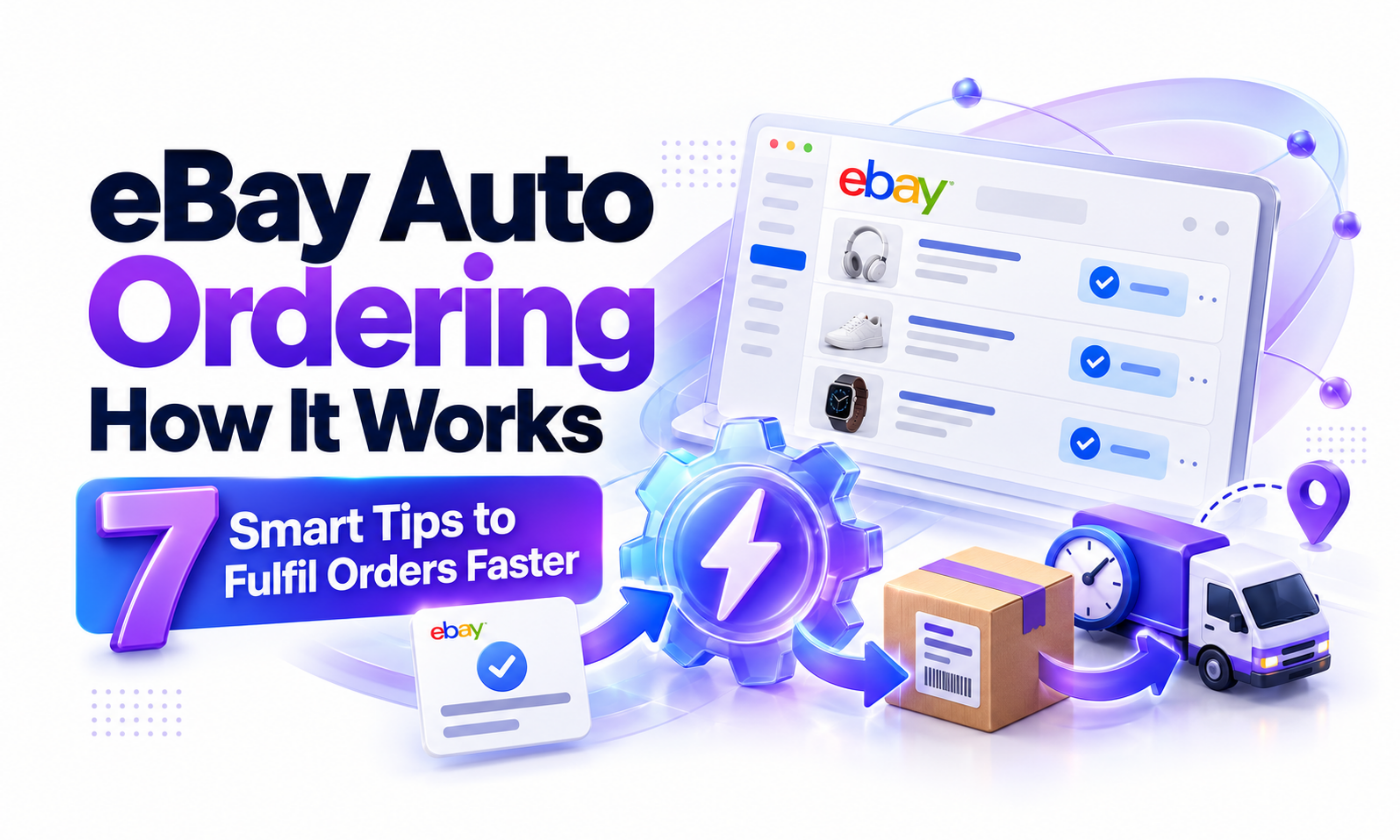
eBay Auto Ordering: How It Works and 7 Smart Tips to Fulfil Orders Faster
eBay auto ordering explained: how automatic order fulfilment works for dropshippers, its benefits and risks, setup steps and the tips that prevent costly errors.
 support@a2edropshipping.com
5 min read
On this page
- Table of Contents
- What Is eBay Auto Ordering?
- How eBay Auto Ordering Works
- Benefits of eBay Auto Ordering
- Risks to Understand
- How to Set Up Automated Ordering
- 7 Tips for Accurate eBay Auto Ordering
- 1. Set a maximum loss rule
- 2. Double-check variation mapping
- 3. Monitor stock continuously
- 4. Use gift options
- 5. Keep payment methods current
- 6. Sync genuine tracking fast
- 7. Review failed orders daily
- Manual vs eBay Auto Ordering
- Account Safety Around Automation
- Reading the Failed Orders Queue
- Signs You Are Ready to Fully Automate
- Security Tips for Automated Ordering
- Frequently Asked Questions
- Is eBay auto ordering allowed?
- Do I still need to check orders?
- Can auto ordering handle returns?
- When should I switch to auto ordering?
- Final Thoughts
eBay auto ordering lets dropshippers fulfil orders without manually copying addresses into a supplier’s checkout. When a buyer pays on eBay, the system places the order with your supplier, adds the buyer’s address and syncs tracking back to eBay. For a store processing dozens of orders a day, it saves hours and removes typing errors.
This guide explains how automated ordering works, its benefits and risks, how to set it up and seven tips A2E Dropshipping uses to keep automated fulfilment accurate.
Table of Contents
What Is eBay Auto Ordering?
Automated ordering is a feature of dropshipping tools that automatically purchases items from your supplier when a sale occurs on eBay. Some tools place the order fully automatically, while others prepare the order and wait for one-click approval.
How eBay Auto Ordering Works
- Sale: a buyer pays for your eBay listing.
- Order detection: your tool reads the new order through its eBay connection.
- Supplier check: the tool confirms stock and price at the supplier.
- Purchase: the tool places the order using your supplier account or a fulfilment service, entering the buyer’s shipping address.
- Tracking sync: when the supplier provides tracking, the tool uploads it to eBay.
- Status updates: the order is marked as shipped.
Benefits of eBay Auto Ordering
| Benefit | Impact |
|---|---|
| Speed | Orders placed in minutes, not hours |
| Accuracy | No address typos |
| Scale | Handle hundreds of orders a day |
| Metrics | Faster shipping and tracking protects seller level |
| Time | Frees you for research and growth |
Risks to Understand
- Price changes: if the supplier price rose, the tool might buy at a loss unless you set limits.
- Wrong variation: mismatched size or colour mappings ship the wrong item.
- Payment failures: expired cards stop orders silently.
- Supplier account flags: many orders to different addresses can trigger reviews at some suppliers.
- Policy considerations: eBay’s drop shipping policy restricts buying from another retailer to ship directly to your buyer. Understand the rules for your supplier mix; see our policy-aware guide.
How to Set Up Automated Ordering
- Choose a tool that supports your suppliers. AutoDS supports automatic and one-click ordering for many suppliers, along with price and stock monitoring.
- Connect your eBay store through the official integration.
- Connect supplier accounts or the tool’s fulfilment service.
- Add a payment method with enough balance or limit.
- Set rules: maximum purchase price, minimum profit and approval thresholds.
- Test with a few orders before turning on full automation.
7 Tips for Accurate eBay Auto Ordering
1. Set a maximum loss rule
Configure the tool to stop and alert you if the supplier price makes the order unprofitable.
2. Double-check variation mapping
For products with sizes and colours, confirm each eBay variation maps to the right supplier option.
3. Monitor stock continuously
Auto ordering fails when the item is gone. Monitoring keeps eBay quantity at zero for out-of-stock items.
4. Use gift options
Hide prices on packing slips where the supplier allows.
5. Keep payment methods current
Set reminders before cards expire and keep balances topped up.
6. Sync genuine tracking fast
Upload tracking as soon as it exists. Under the eBay A-Scan policy, acceptance scans within handling time matter. Tools like GetTNShip help sellers manage carrier tracking and protect metrics.
7. Review failed orders daily
Every tool has failures. Check the failed or pending queue each morning.
Manual vs eBay Auto Ordering
| Manual | Auto ordering | |
|---|---|---|
| Time per order | 3 to 5 minutes | Under 1 minute |
| Error rate | Higher | Low with correct mapping |
| Best for | Under 5 orders per day | 5+ orders per day |
| Control | Full | Rule-based |
Account Safety Around Automation
Automation tools work through official connections, but your own logins still matter. If you log in to eBay and supplier accounts from abroad, keep a consistent environment with a Hyonix US VPS. Sudden location changes can trigger verification even when your automation is working perfectly.
Reading the Failed Orders Queue
Every morning, open your tool’s failed or pending orders list and sort by reason:
- Price too high: decide whether to fulfil at a small loss or contact the buyer.
- Out of stock: look for the identical item from another supplier.
- Payment declined: update the card and retry.
- Address problem: confirm details with the buyer through eBay messages.
Clearing this queue daily keeps your handling times safe and buyers happy.
Signs You Are Ready to Fully Automate
You have mapped every variation correctly, your pricing rules include profit floors, your payment method is reliable and your failed order rate has stayed low for several weeks. At that point, turning on fully automatic ordering saves the most time with the least risk.
Security Tips for Automated Ordering
Use a dedicated payment card with a sensible limit, turn on two-step verification on supplier accounts and review supplier order history weekly for anything unexpected. Automation is powerful, so protect the accounts it uses.
Frequently Asked Questions
Is eBay auto ordering allowed?
eBay allows third-party tools. What matters is that you deliver on time and follow eBay’s sourcing rules.
Do I still need to check orders?
Yes. Review failed orders and spot-check successful ones daily.
Can auto ordering handle returns?
Most tools help track returns, but you still need to manage the buyer and supplier sides.
When should I switch to auto ordering?
When you regularly process more than five orders a day or find yourself making address mistakes.
Final Thoughts
eBay auto ordering is one of the biggest time savers in dropshipping, as long as you set safety rules, map variations correctly and review failures daily. Combine it with monitoring and genuine tracking and your fulfilment becomes fast and reliable. Prefer a team to handle fulfilment for you? A2E Dropshipping processes orders daily for every client store.

Part of the A2E Dropshipping team, helping eBay sellers research, list and grow since 2018.