eBay Third Party App Access: 5 Safe Steps to Connect Tools and Protect Your Account
How to safely grant and revoke eBay third party app access for listing tools, inventory apps and team members.
 support@a2edropshipping.com
4 min read
On this page
- Table of Contents
- How eBay Third Party App Access Works
- 5 Safe Steps to Grant eBay Third Party App Access
- How to Revoke Access
- Giving Access to Team Members
- Risks of Unofficial Tools
- Popular Types of Connected Apps
- A Simple Security Routine
- Frequently Asked Questions
- Is it safe to give eBay third party app access?
- Do apps get my eBay password?
- How do I see which apps are connected?
- Final Thoughts
eBay third party app access lets listing tools, inventory software and accounting apps connect to your account through eBay’s official API, without sharing your password. Sellers often ask in the eBay Community, “How do I allow 3rd party access to my eBay account?” The process is simple, but security matters.
Here are five safe steps to manage eBay third party app access.
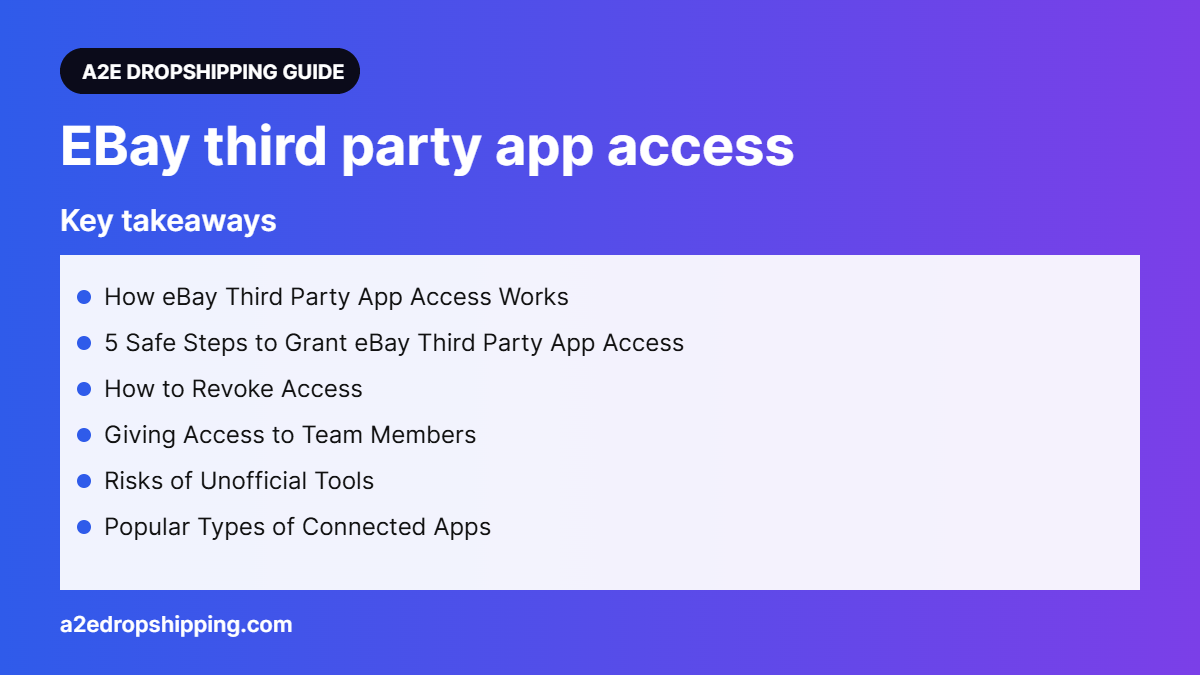
Table of Contents
How eBay Third Party App Access Works
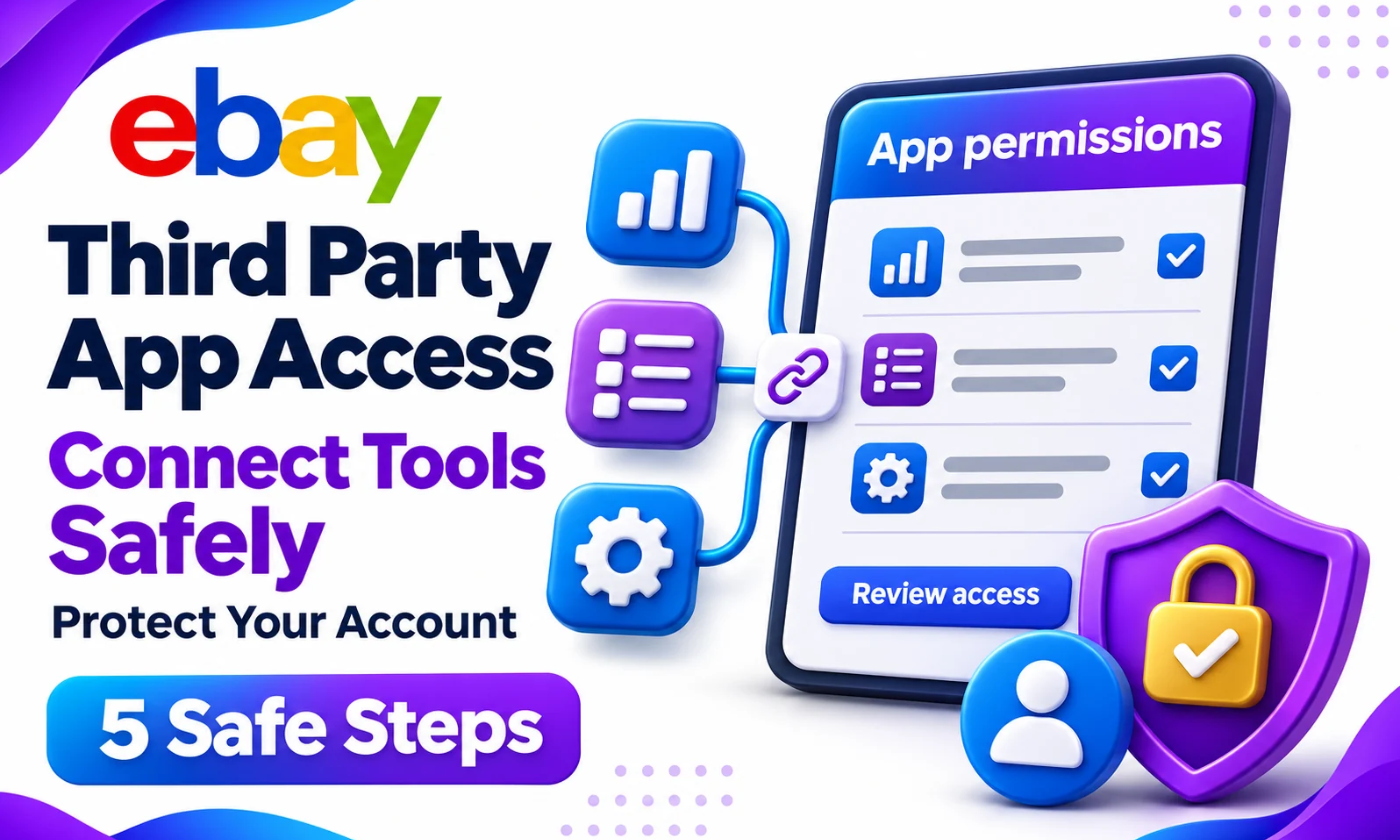
Approved apps use OAuth, a secure sign-in method. You log in on eBay’s own page, review the permissions the app requests and click Agree. The app receives a token that lets it perform specific tasks, such as creating listings or reading orders. Your password is never shared.
Tokens can expire and need renewal, and you can revoke them at any time.
5 Safe Steps to Grant eBay Third Party App Access
- Choose reputable apps. Check reviews and confirm the app is an eBay compatible application.
- Start from the app. Click “Connect eBay” inside the app; it will redirect you to eBay.
- Check the URL. Make sure the sign-in page is on ebay.com before entering credentials.
- Review permissions. Only approve what the app needs.
- Record what you connected. Keep a simple list of apps and dates.
How to Revoke Access
Go to Account settings, then Permissions, then Third-party app access. You will see a list of connected applications. Click Revoke next to any app you no longer use. Do this whenever you stop using a tool or part ways with a service provider.
| Situation | Action |
|---|---|
| Stopped using a tool | Revoke immediately |
| Suspicious activity | Revoke all and change password |
| Token expired | Reconnect from the app |
Giving Access to Team Members
For assistants or virtual employees, eBay offers user permissions in some regions, letting you add users with limited roles. This is safer than sharing your login. If you use a management team, keep access organised and consistent. Our guide on eBay API vs non-API tools explains why API connections are safer.
Risks of Unofficial Tools
Tools that ask for your eBay password, or browser extensions that scrape your account, can trigger security locks and break eBay policy. Logging in from many different IP addresses can also flag your account. Stick to official eBay third party app access through OAuth whenever possible.
Popular Types of Connected Apps
- Listing and import tools
- Inventory and price monitoring software
- Shipping and label platforms
- Accounting and tax apps
- Customer service and messaging tools
Each should have only the permissions it needs.
A Simple Security Routine
Once a quarter, open your third-party app list and remove anything you no longer use. At the same time, change your password, confirm two-step verification is on and check that your payout account details are correct. This ten-minute routine closes old doors that attackers could use and keeps your connected tools working smoothly. It is especially important if several people or services have helped manage your store over the past year.
Frequently Asked Questions
Is it safe to give eBay third party app access?
Yes, when the app uses eBay’s official OAuth sign-in and you review permissions.
Do apps get my eBay password?
No. With OAuth, the app receives a token, not your password.
How do I see which apps are connected?
Open Account settings, then Permissions, then Third-party app access.
Final Thoughts
eBay third party app access is the safe way to connect tools to your store. Use official sign-ins, approve minimal permissions and revoke unused apps. eBay explains it on its third-party authorizations page.
Need help running your eBay store? The team at A2E Dropshipping handles listings, order processing, account management and customer service for eBay sellers. Many of our clients pair our services with AutoDS for price and stock monitoring, Hyonix for a stable US VPS to manage eBay logins, and GetTNShip for reliable carrier tracking that protects account health.

Part of the A2E Dropshipping team, helping eBay sellers research, list and grow since 2018.